 info@metalliccards.co.uk
 +44 203 332 0848

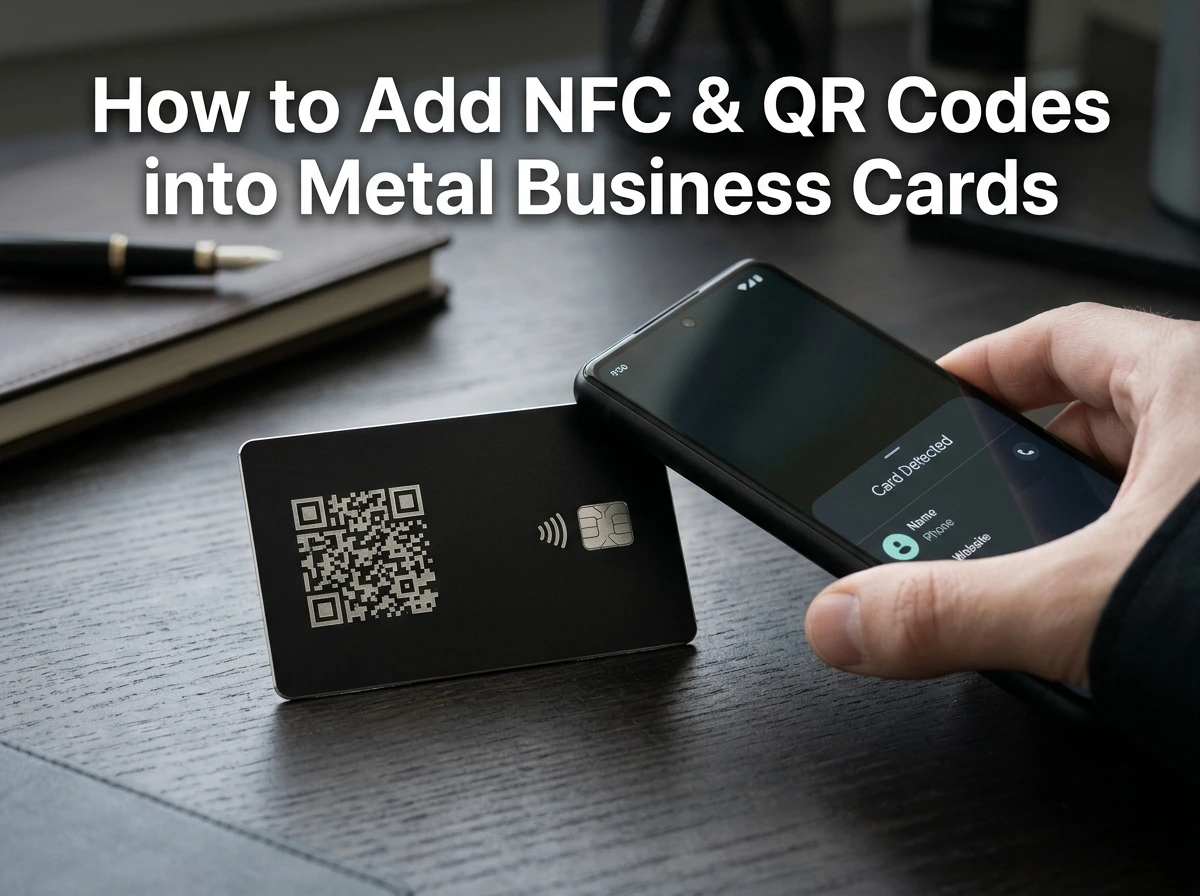
How to Add NFC & QR Codes into Metal Business Cards
Over the years, business cards have come a long way. Earlier, businesspeople used to carry paper business cards, which were enough to depict their company’s name, profession, and contact number to potential prospects. However, fast-forward, digital advancements have introduced metal business cards, and surprisingly, they’ve become one of the best decisions a professional can make to leave a lasting impression in 2026 and beyond.
In 2026, metal business cards have already become a smart networking tool, especially with the integration of Near Field Communication, Aka NFC, chips with a dynamic QR code. By integrating an NFC chip and a dynamic QR code, a metal business card can let a lead instantly access your contact details, website, portfolio, booking page or other digital contact. While NFC allows tap-to-connect sharing, a dynamic QR code provides a similar scan-based alternative that is renewable without reprinting the card.
This duo is particularly useful for professionals willing to have the durability and visual impact of metal along with the flexibility of a digital business card.
The Need to Integrate NFC and QR Codes into Metal Business Cards
Undeniably, the shift toward digital interactions have made smart business cards increasingly practical.
A smart metal card can provide you with:
- Instant contact information
- Portfolio and website links
- Social media handles
- Consultation booking
- Product catalogues
- Promotional landing pages
- Lead generation forms
In all, the idea is to make the physical card the starting point of a long-term connection, and maybe a business deal. According to the NFC Forum’s 2024 research, over 80% of the respondents had used a smartphone for contactless payments, while 73% considered themselves familiar with NFC technology.
This familiarity creates an opportunity for businesses to use NFC beyond payments. A metal business card equipped with NFC technology can turn a dull introduction into an immediate digital connection.
NFC Vs Dynamic QR Codes: What’s a Better Choice?
While NFC and QR codes perform a similar function, the interaction can vary. NFC is based on tapping, but a QR code requires the user to scan a printed pattern using their smartphone.
| Feature | NFC Metal Business Card | Dynamic QR Code |
| Interaction | Tap | Scan |
| Physical printing required | No | Yes |
| Destination can be updated. | Yes, when using a URL | Yes |
| Smartphone Compatibility | NFC-enabled device required | Broad smartphone compatibility |
| Best for | Fast, premium interactions | Universal backup access |
| Analytics | Possible through LinkedIn platforms | Possible through LinkedIn platforms |
| Visual Impact | Minimal and Discreet | Visible on Card |
| Recommended Use | Primary Digital Connection | Secondary Access Method |
Having said that, instead of choosing one technology, professionals may utilize both NFC and a dynamic QR code. NFC provides the fastest experience for compatible devices, while QR allows everyone to access the same digital profile.
Step-by-Step Integration of NFC & Dynamic QR Codes into Metal Business Cards
Step 1:1- Add an NFC Chip to the Metal Card
Metal can sometimes interfere with NFC communication. So, the NFC component needs to be designed inside the card rather than simply placing a standard NFC tag behind a solid sheet of metal. Some metal NFC cards also use a non-metallic section around the antenna to maintain reliable communication.
The idea is to program the chip with a short HTTPS URL instead of storing all of your contact information directly on the chip. It makes the system easier to manage because your contact details, portfolio, social profiles, and other information can be updated on the destination page without replacing the physical card.
Pro-tip: NFC performance must be tested on multiple smartphones with different positions and distances, and ensure the linked page opens quickly. A smart card is only effective if the digital experience is just as effective as the physical one.
Step: 2- Create a Dynamic QR Code
Place a QR code on the reverse side of the metal business card. Instead of coding a fixed phone number or email address, prefer using a dynamic QR code that points to the same digital profile or redirect URL used by the NFC chip. This setting creates a useful replacement.
| Technology | How it Works | Best Use |
| NFC | User taps their phone against the card first | Contactless sharing |
| Dynamic QR | User scans the printed code | Backup for non-NFC devices |
| Digital Profile | Both methods lead to the same URL | Central place for updates |
As per NFC Forum documentation, NFC’s ability to work without line-of-sight, while QR codes require the camera to scan the printed code.
Step: 3- Connect Both to One Digital Profile
The ideal structure looks like:
NFC Tap → HTTPS → URL Digital Profile
QR Scan→ HTTPS → URL Digital Profile
Your digital profile may include:
- Name and Job Title
- Contact Number
- Email Address
- Website
- LinkedIn Profile
- Social Media Accounts
- Portfolio
- Booking Link
Using a single destination also means that you may update your information later without redesigning the card. A hosted profile may allow the destination to change while the physical NFC card and printed dynamic QR code remain unchanged.
Frequently Asked Questions (FAQs)
-
Is NFC better than a QR Code?
Neither is technically better. NFC business cards offers a fast tap-based user experience, while QR codes allow a familiar scanning option. So, using both offers the most flexibility.
-
Do NFC metal business cards need batteries?
No, NFC tags used for plain URL-based interactions are usually passive and don’t need a battery.
-
What can an NFC business card link to?
NFC business cards may link to a digital contact card, website, portfolio, social profile, booking page, lead form, and another mobile-friendly URL.
-
Are metal business cards customizable?
Absolutely! It depends on the style you want on your QR code business cards. Whether it’s the logo, printing, styling, or finish, every part is customizable. Customization helps your card match your profession and personal brand.
Wrapping Up!
There you have it! It’s the ultimate checklist and considerations for getting a smart business card customized for yourself.
Therefore, when investing in premium metal business cards, adding NFC and a dynamic QR code can turn out to be a game-changer for your personal branding.
In the end, it all boils down to making a well-informed decision, including choosing the style, font and material and NFC and QR integration for metal business cards. For this, it’s imperative to do your due diligence as well to avoid any inconvenience down the lane.
A pro tip is to explore premium metal card options and consider how your card could connect with customers, prospects and professional contacts directly to your digital presence. That’s exactly what Metallic Cards UK can help you with.
For top-notch metal business card solutions, visit them or explore options at Metal Business Cards UK and turn every card exchange into a lead-generating opportunity.

As the content specialist for MetallicCards.co.uk, I write about premium metal and metallic business cards for UK businesses. My content covers branding tips, design trends, and luxury finishes that help professionals stand out. I aim to guide brands in creating strong, memorable first impressions through high-quality card solutions.